
Description
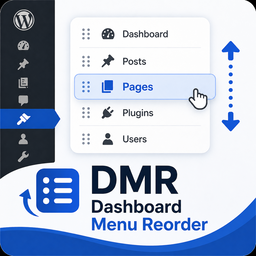
Reorder WordPress admin dashboard menus and submenus with drag-and-drop or keyboard controls.
Settings are stored per site. On multisite installations, the plugin works in each individual site’s admin area and does not modify Network Admin or User Admin menus.
Installation
From Your WordPress Dashboard
- Go to Plugins > Add New.
- Search for Dashboard Menu Reorder.
- Click Install Now.
- Click Activate.
- Go to Settings > DM Re-Order.
Manual Installation
- Upload the dashboard-menu-reorder folder to
/wp-content/plugins/. - Activate Dashboard Menu Reorder from the Plugins screen.
- Go to Settings > DM Re-Order.
Reviews
There are no reviews for this plugin.
Contributors & Developers
“Dashboard Menu Reorder” adalah perisian sumber terbuka. Orang-orang berikut telah menyumbang kepada pemalam ini.
Penyumbang
Translate “Dashboard Menu Reorder” into your language.
Berminat dalam pembangunan?
Layari kod, periksa repositori SVN, atau langgani log pembangunan dengan RSS.
Changelog
1.0.0
- Initial release.
- Reorder top-level WordPress admin menus with drag-and-drop or keyboard controls.
- Reorder submenu items independently.
- Preserve WordPress menu separator positions.
- Preserve duplicate submenu entries without dropping items.
- Keep settings isolated to each site and avoid modifying Network Admin or User Admin menus.
- Includes accessible labels and keyboard reordering controls.