

Description
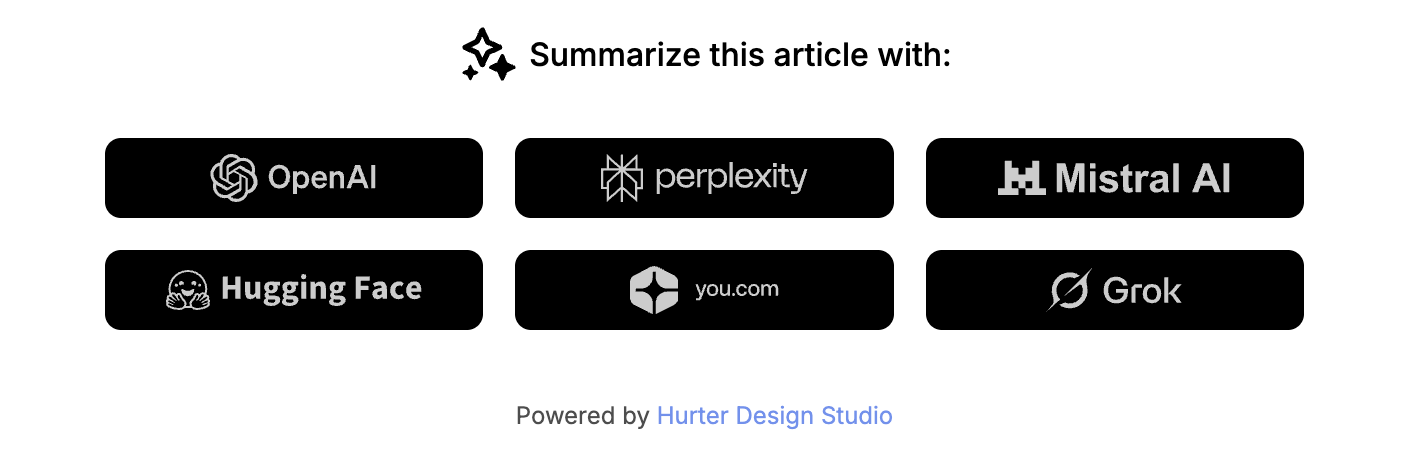
Blog AI summarize is a WordPress plugin that adds a customizable block to single posts, allowing readers to quickly summarize articles using various AI services.
Features
- Add AI summarization links to single posts
- Support for multiple AI services: ChatGPT, Perplexity, Mistral, HuggingChat, You.com, Grok
- Customizable title text
- Enable/disable individual AI services
- Choose display position: top, bottom, or both
- Customizable colors: background, primary, and secondary colors
- Responsive design
- Dark and light theme support
AI services supported
- ChatGPT (OpenAI)
- Perplexity
- Mistral
- HuggingChat
- You.com
- Grok (xAI)
Screenshots
Installation
- Upload the plugin files to the
/wp-content/plugins/blog-ai-summarizedirectory, or install the plugin through the WordPress plugins screen directly. - Activate the plugin through the ‘Plugins’ screen in WordPress.
- Go to Appearance > Customize > AI Summarize to configure the plugin settings.
FAQ
-
Does this plugin require an API key?
-
No, this plugin uses direct links to AI chat services. No API keys are required.
-
Can I customize the appearance?
-
Yes, you can customize the colors (background, primary, secondary) and the title text through the WordPress Customizer.
-
Where can I display the AI block?
-
You can choose to display the block at the top of articles, at the bottom or both.
-
Can I disable certain AI services?
-
Yes, you can enable or disable each AI service individually through the Customizer.
Reviews
There are no reviews for this plugin.
Contributors & Developers
“Blog AI summarize” adalah perisian sumber terbuka. Orang-orang berikut telah menyumbang kepada pemalam ini.
Penyumbang
Translate “Blog AI summarize” into your language.
Berminat dalam pembangunan?
Layari kod, periksa repositori SVN, atau langgani log pembangunan dengan RSS.
Changelog
1.0.0
- Initial release
- Support for multiple AI services (ChatGPT, Perplexity, Mistral, HuggingChat, You.com, Grok)
- Customizable colors and positioning
- Enable/disable individual AI services
- “Display Powered by” option (disabled by default)